


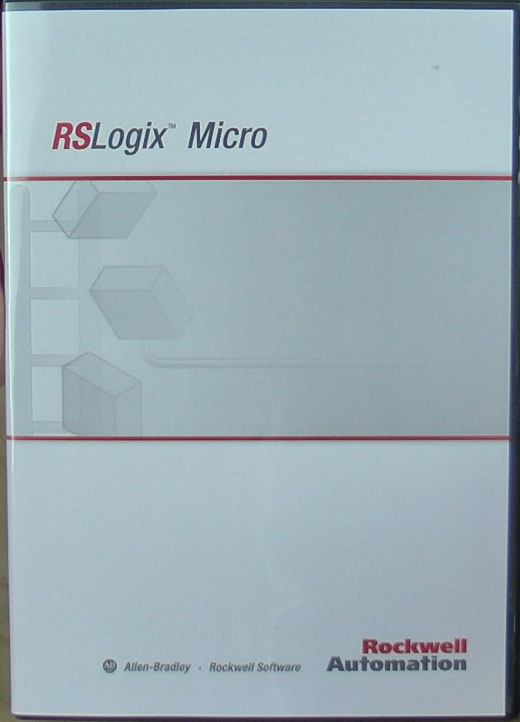
 Last year I purchased a copy of Rockwell’s RSLogix Micro Starter programming software (~$150) which programs all of Rockwell’s MicroLogix programmable controllers.
Note: Rockwell recently changed RSLogix Micro Starter to download only, so new purchases will not receive the package shown in this post – more details in this article.
Note: The programming software for the MicroLogix 1000 and 1100 is made available from Rockwell as a free download – more details in this article.
In today’s article, I’ll share with you pictures of the unboxing of the software when it arrived, as well as what you can expect to find inside the software case.

RSLogix Micro Starter Packaging
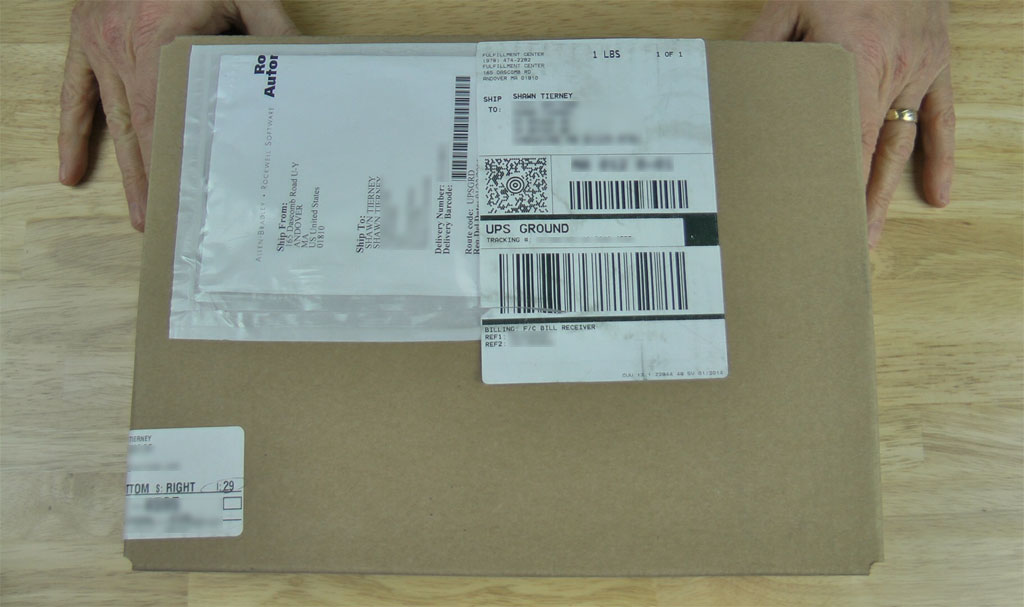
The below picture is of the box the software arrived in, which seems to be the standard box Rockwell ships most of their software in:
 And inside the box is where you’ll find the RSLogix Micro Starter software, which comes in a plastic DVD size case.
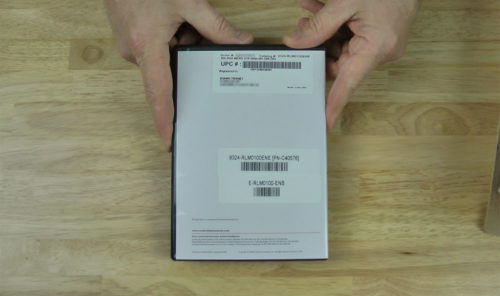
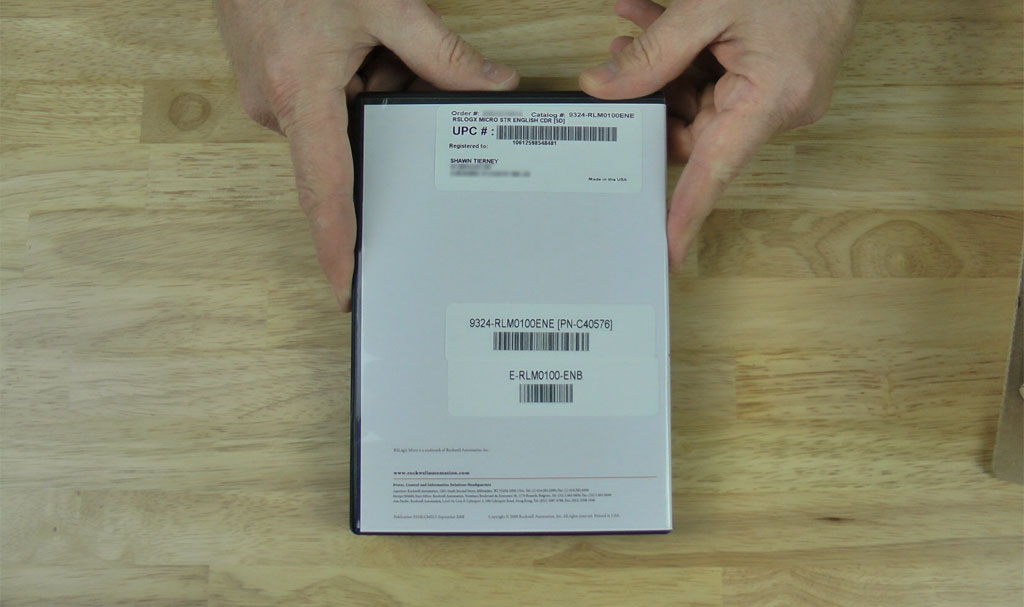
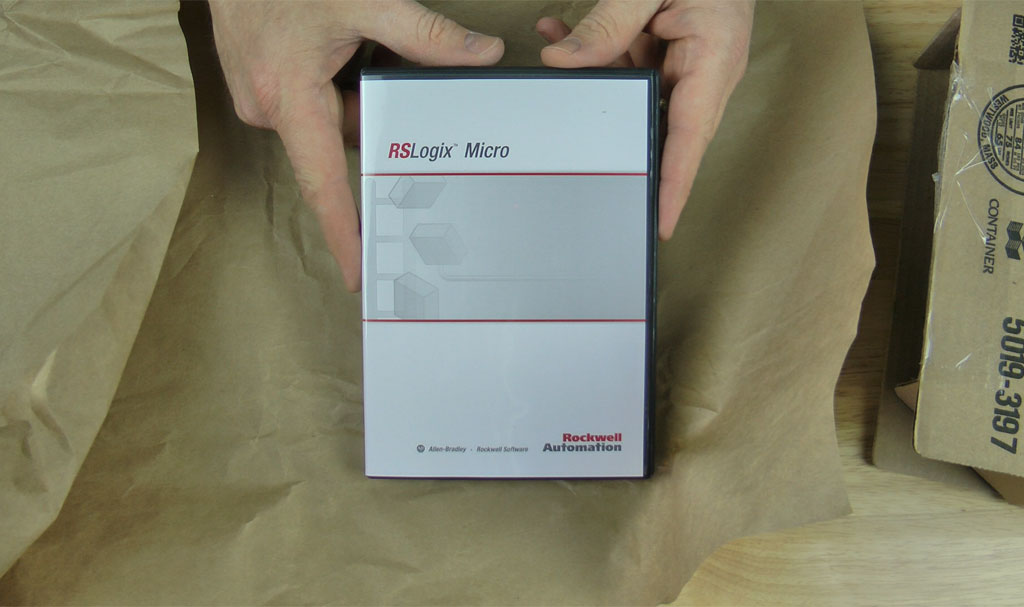 On the front is the product name and logo, and on the back is the part number, order number, and customer address.
 Inside the RSLogix Micro Starter Software Case
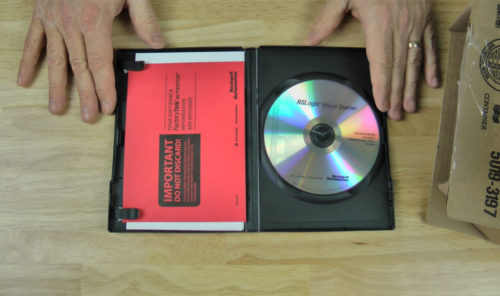
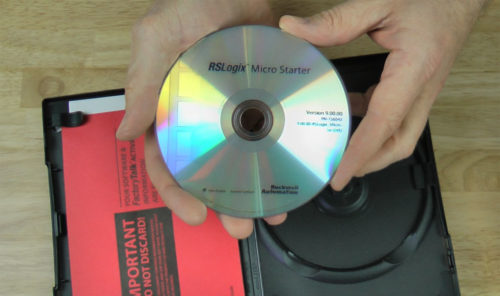
Inside the software package itself, the two most important items are the software installation DVD (labeled 9.00.00-RSLogix_Micro-Str-DVD) and the red envelope which contains the software activation document.
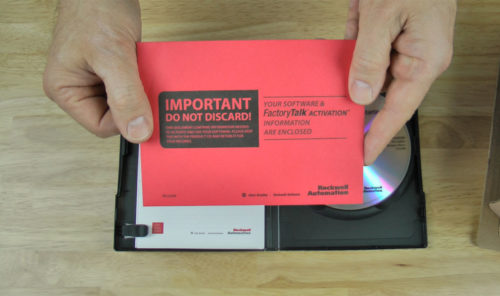 The Red Envelope
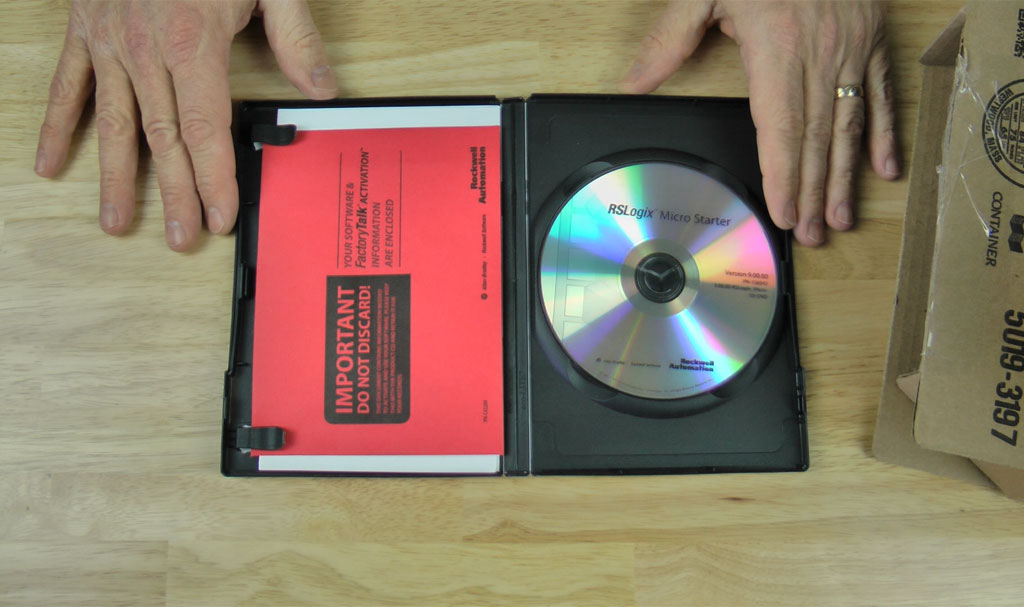
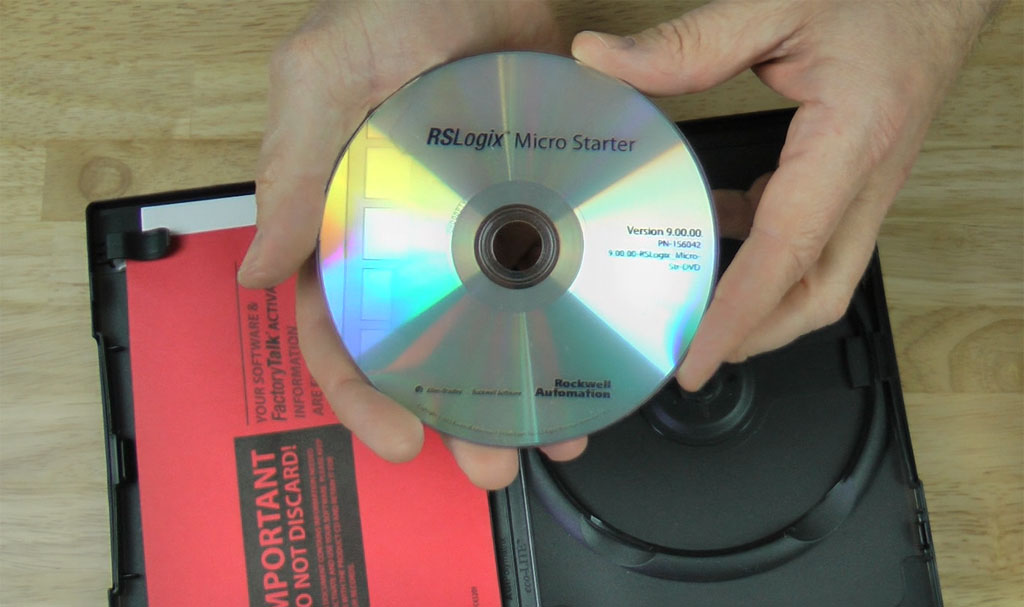
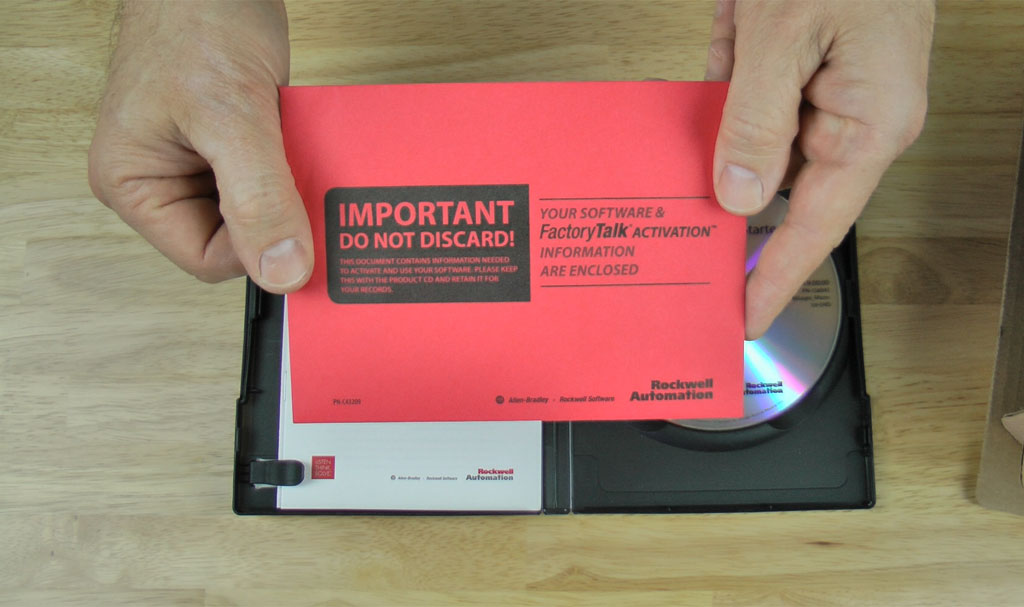
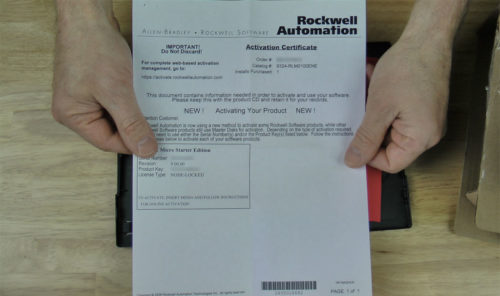
The important looking envelope contains a document with the software serial number and product key. You’ll need these two pieces of information to activate your software, which is required for the software to run longer than the initial 7 day grace period.
If you happen to lose this information, Rockwell’s Activation Support (no support contract required) can email you a replacement PDF.
 Supporting Documentation

Finally, you also receive two pieces of supporting documentation in the software box:
- Instructions on activating your software
- Support services information for your software
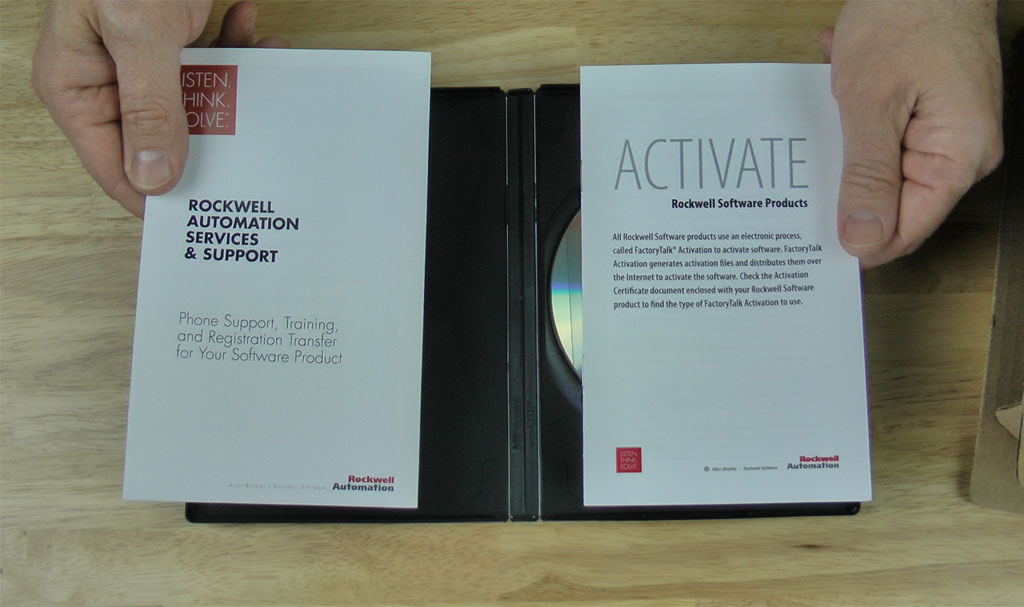
I hope the above information and pictures of the unboxing and contents included with RSLogix Micro Starter is helpful.
If you have any comments, questions, suggestions or corrections, please leave them below by filling out the “post a comment or question” link below.
Until next time, Peace ✌️
If you enjoyed this content, please give it a Like, and consider Sharing a link to it as that is the best way for us to grow our audience, which in turn allows us to produce more content 🙂
Shawn M Tierney
Technology Enthusiast & Content Creator
Support our work and gain access to hundreds members only articles and videos by becoming a member at The Automation Blog or on YouTube. You’ll also find all of my affordable PLC, HMI, and SCADA courses at TheAutomationSchool.com.

- FactoryTalk Design Workbench First Look, CCW Comparison - December 19, 2025
- Drew Allen of Grace Technologies on Automation, Safety, and More (P256) - December 17, 2025
- Robotics in Warehouse Automation with Erik Nieves of Plus One Robotics (P255) - December 10, 2025
Discover more from The Automation Blog
Subscribe to get the latest posts sent to your email.

Update:
I was recently informed that this software is now only sold as an electronic download.
Shawn Tierney
[sc name="stsigcom"]