In today’s article I walk you through how to find and download Rockwell’s free Integrated Architecture Builder (IAB) software, updated for the Summer of 2022.
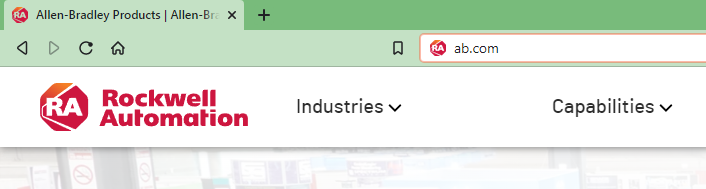
1) Start by navigating your web browser to http://www.ab.com:
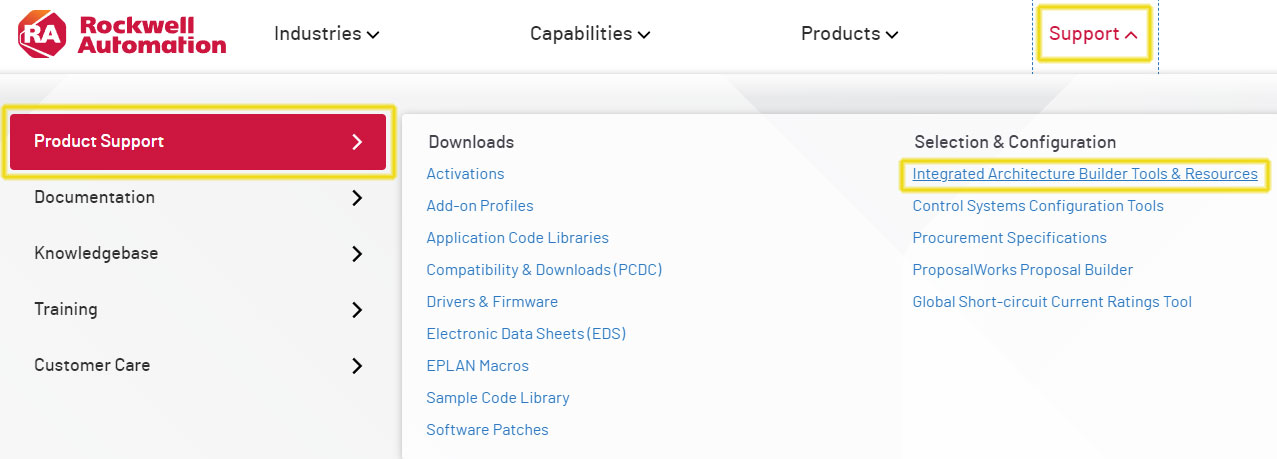
2) Once there, select “Integrated Architecture Builder” which is under Support – Product Support:
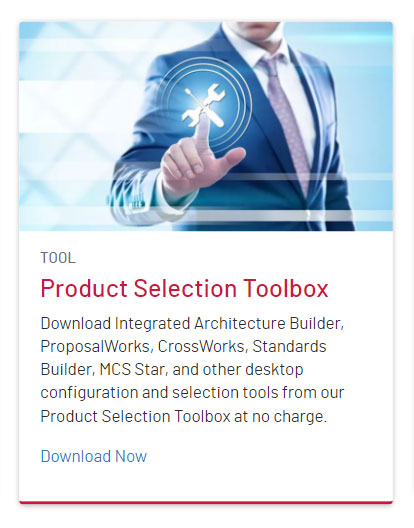
3) From this page select “Product Selection Toolbox”:
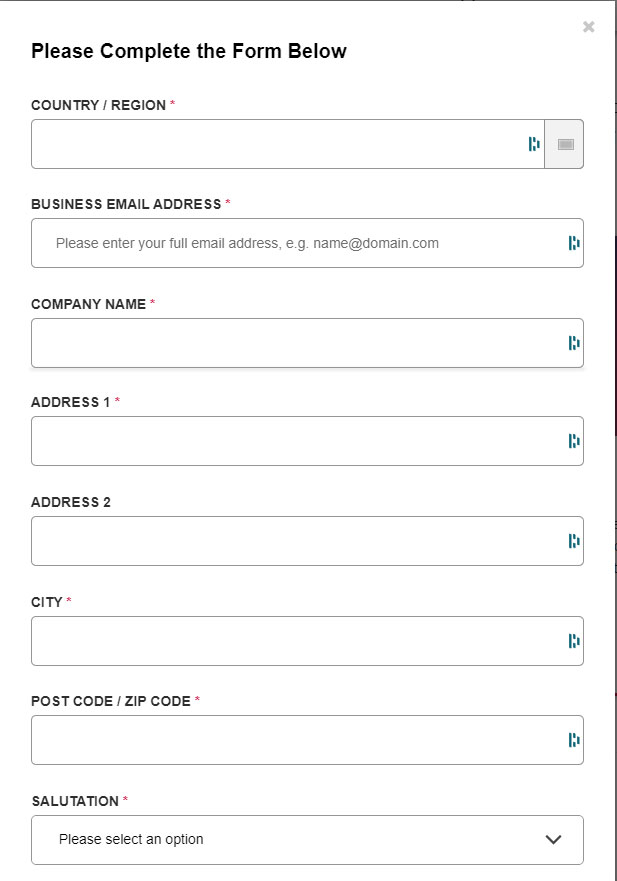
4) Then fill in the pop-up form:
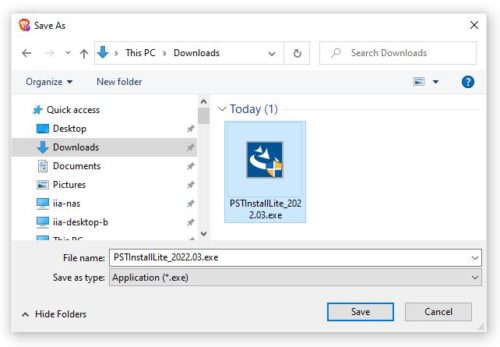
5) And once the form is submitted you’ll be prompted to save/download the PST install file:
6) For our previous coverage on IAB, including articles and videos on how to use it, click here
If you found this article helpful, please share it with your coworkers and colleagues.
Until next time, Peace ✌️
If you enjoyed this content, please give it a Like, and consider Sharing a link to it as that is the best way for us to grow our audience, which in turn allows us to produce more content 🙂
Shawn M Tierney
Technology Enthusiast & Content Creator
Support our work and gain access to hundreds members only articles and videos by becoming a member at The Automation Blog or on YouTube. You’ll also find all of my affordable PLC, HMI, and SCADA courses at TheAutomationSchool.com.

Shawn Tierney is a lifelong Technology Enthusiast who began programing in the early 80's on the Apple II and VIC-20 personal computers. After earning a degree in Electronics, he worked as a Certified Controls and Information Automation Specialist for 25 years before launching The Automation Blog and School in 2013.
Latest posts by Shawn Tierney (see all)
- FactoryTalk Design Workbench First Look, CCW Comparison - December 19, 2025
- Drew Allen of Grace Technologies on Automation, Safety, and More (P256) - December 17, 2025
- Robotics in Warehouse Automation with Erik Nieves of Plus One Robotics (P255) - December 10, 2025

Discover more from The Automation Blog
Subscribe to get the latest posts sent to your email.