In Today’s article I’ll walk you through how to change the Screen Saver Image used on the original PanelView Plus (old models without Windows CE desktop access)
Part 1: Enable the Screen Saver Image on your PanelView Plus
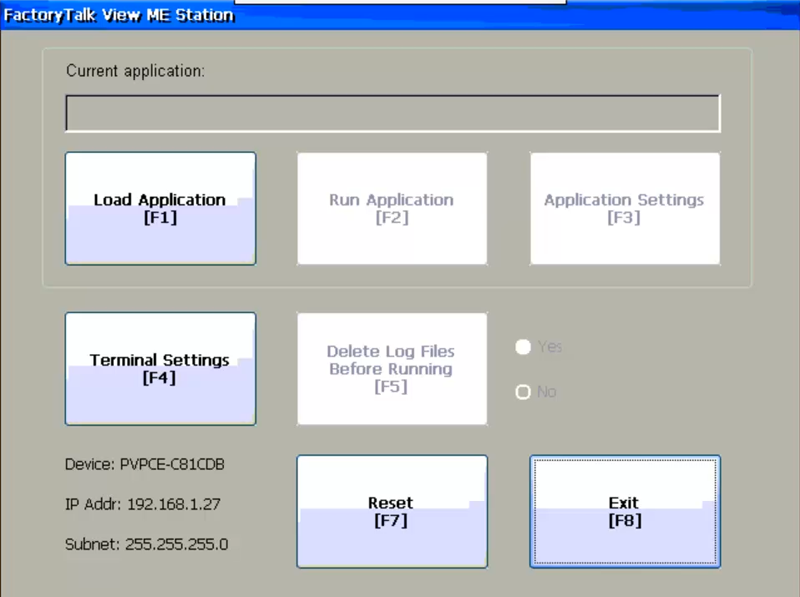
Step 1) From the PanelView Plus Configuration Menu, choose Terminal Settings:
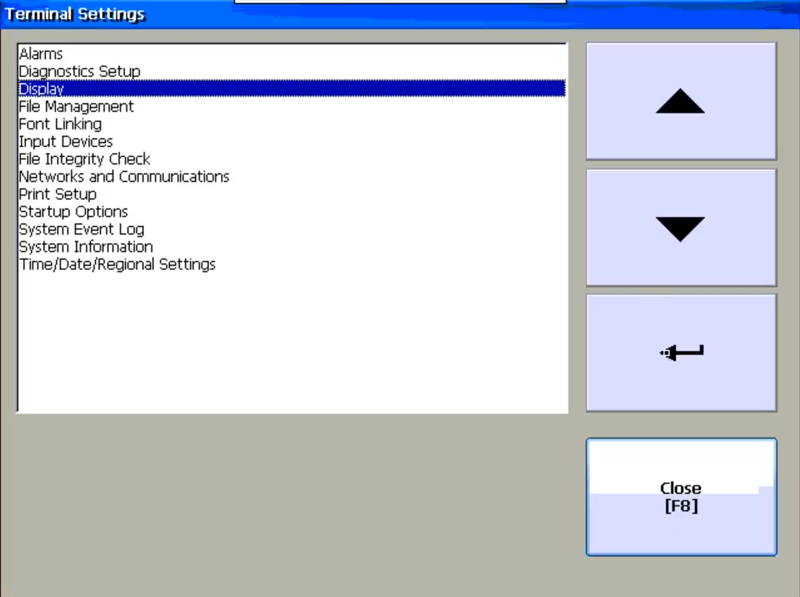
 Step 2) Next select Display, and then select Enter:
 Step 3) Now select Screen Saver, and then select Enter:
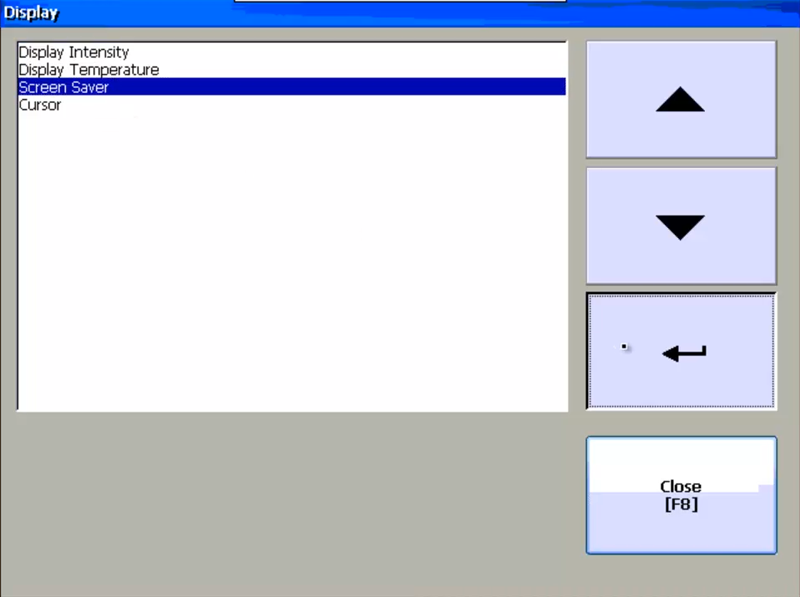 Step 4) Here select Advanced Settings:
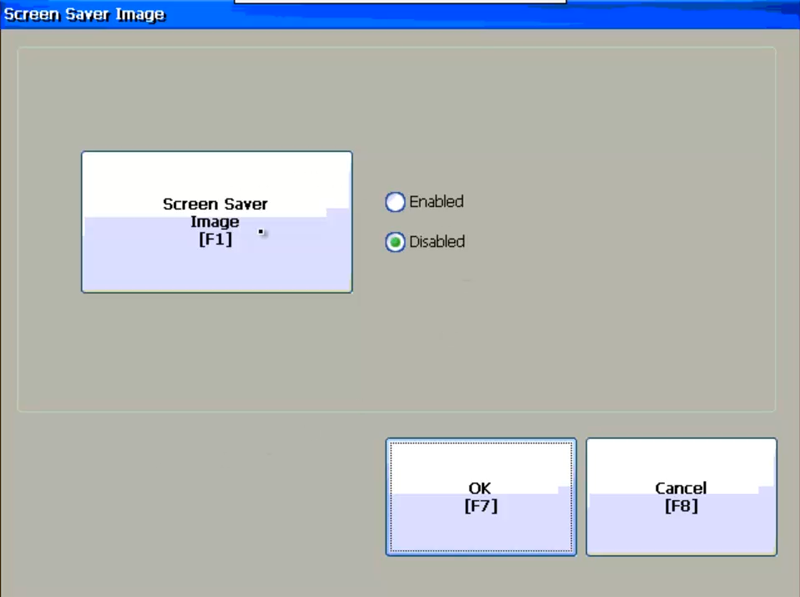
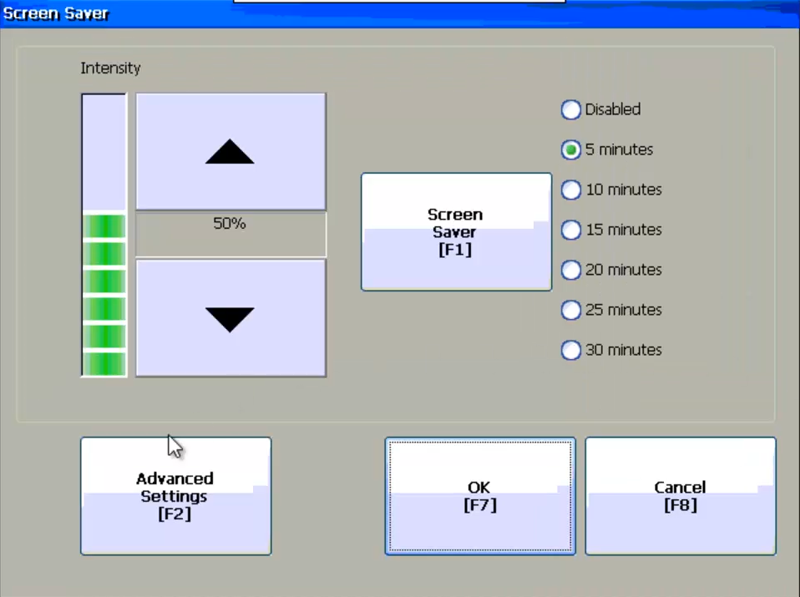 Step 5) And now insure that “Screen Saver Image” is set to Enabled. Then exit this screen and the previous one by clicking on “OK” to insure your settings are saved.
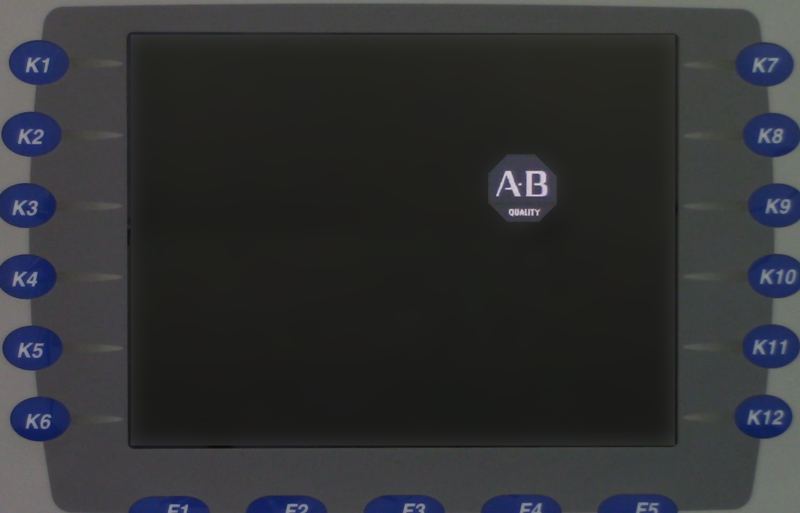
Step 6) Now when the Screen Saver time elapses, you’ll see the default A-B screen saver image:

Part 2: Copying your new “custom” Screen Saver Image to the original PanelView Plus
Step 7) Copy your custom 80 pixel by 80 pixel bitmap screen saver image to the root directory of a compatible Compact Flash memory card or USB flash drive, and then rename your bitmap image to ssfloat.bmp
Step 8) Now in the root directory of the same memory device, create a text file named autorun.bat (be sure it’s not named autorun.bat.txt)
Step 9) Next, edit your autorun file and add the following line three lines of text:
ECHO ON
COPY “USB Storage\ssfloat.bmp” \windows\ssfloat.bmp
PAUSE
UPDATE 2020) You also need to add the additional line before PAUSE so the Screen Saver Image won’t be replaced upon reboot:
COPY “USB Storage\ssfloat.bmp” \”Storage Card”\windows\ssfloat.bmp
Note: For a $1 donation you can download my PanelView Plus Script bundle (which includes an expanded version of the above script) from theautomationblog.com
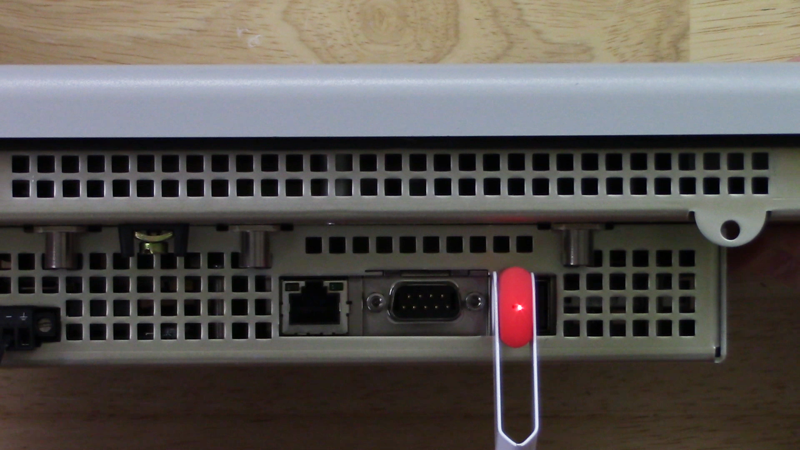
Step 10) Now insert your memory card or USB drive that contains the above files into your PanelView Plus:
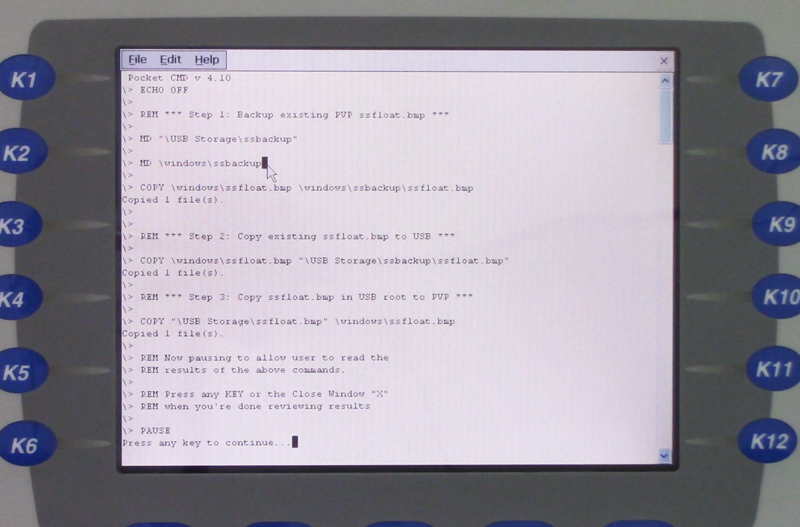
Step 11) After a few moments your autorun.bat file will run and copy your new ssfloat.bmp over the default A-B ssfloat.bmp file on your PanelView Plus:
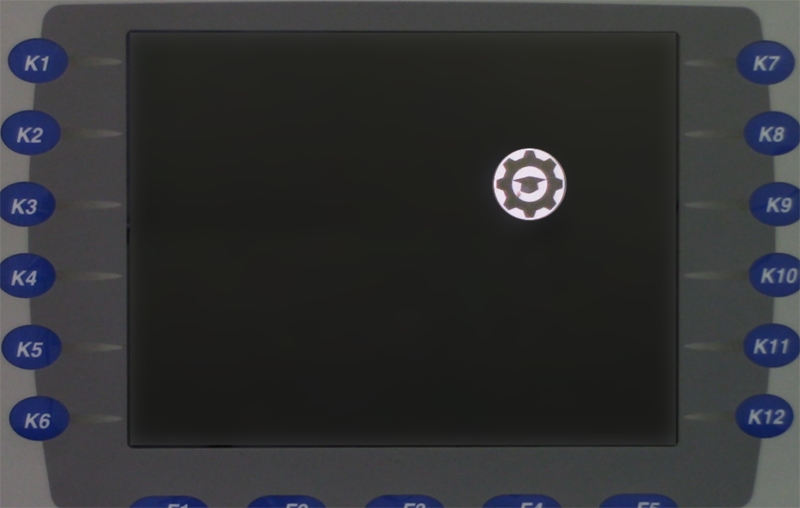
Step 12) Now when your screen saver turns on, you’ll see your custom image in place of the default A-B Logo:
To watch a video demonstration of the above, check out Episode 40 of The Automation Minute Season 4 below:
If you found this article helpful, please share it with your colleagues on LinkedIn, Facebook, Twitter or Goggle Plus!
And if you know anyone who would benefit from PanelView Plus training, please let them know about my affordable courses over at TheAutomation School.
You can also share your own thoughts and opinions on this subject by clicking on the “post a comment or question” link below.
Until next time, Peace ✌️
If you enjoyed this content, please give it a Like, and consider Sharing a link to it as that is the best way for us to grow our audience, which in turn allows us to produce more content 🙂
Shawn M Tierney
Technology Enthusiast & Content Creator
Support our work and gain access to hundreds members only articles and videos by becoming a member at The Automation Blog or on YouTube. You’ll also find all of my affordable PLC, HMI, and SCADA courses at TheAutomationSchool.com.

- FactoryTalk Design Workbench First Look, CCW Comparison - December 19, 2025
- Drew Allen of Grace Technologies on Automation, Safety, and More (P256) - December 17, 2025
- Robotics in Warehouse Automation with Erik Nieves of Plus One Robotics (P255) - December 10, 2025
Discover more from The Automation Blog
Subscribe to get the latest posts sent to your email.