


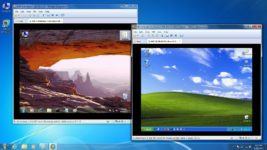
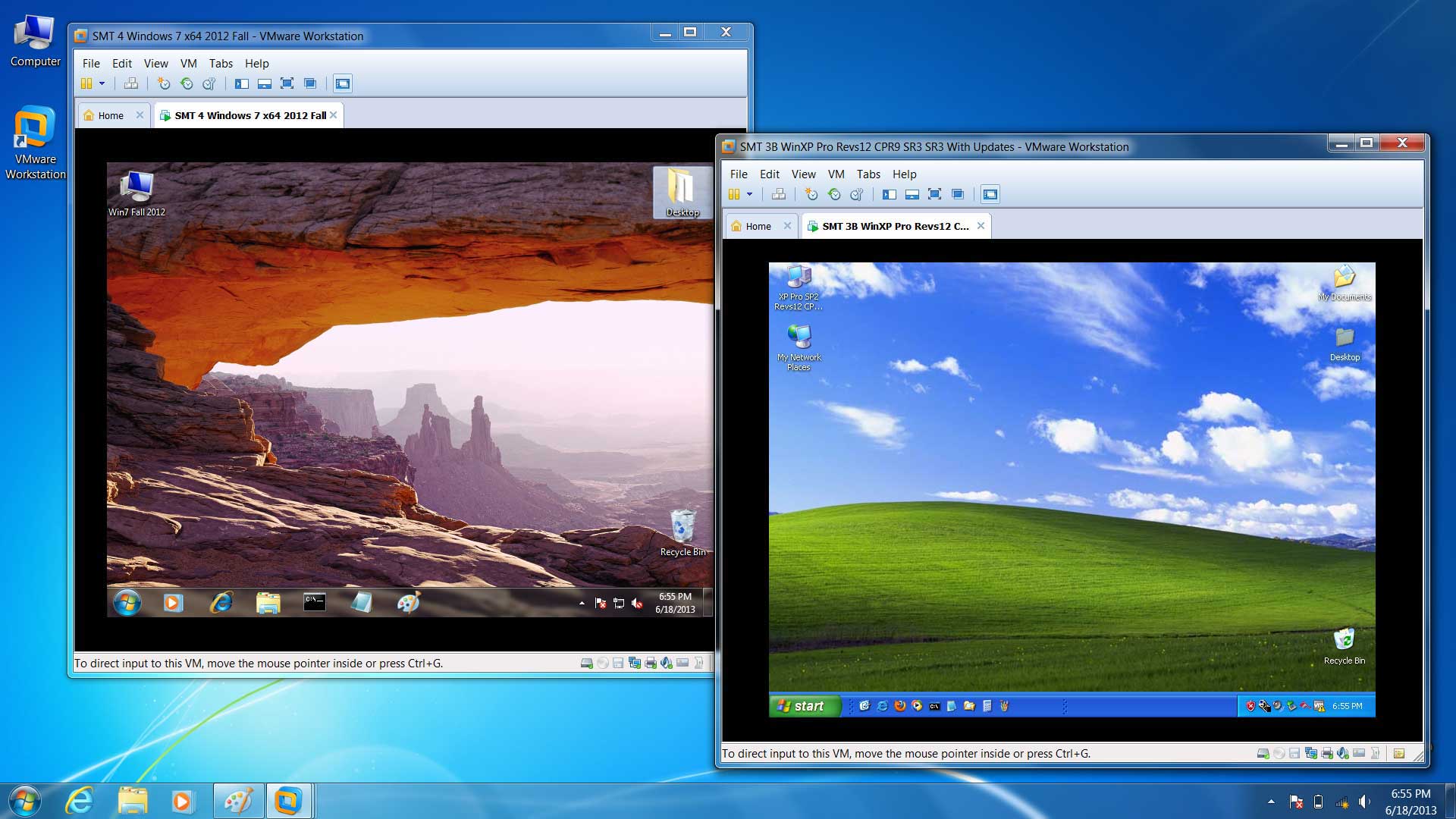
 In today’s edition of “Insight’s Inbox” we answer a reader’s question on how to get started with VMware Workstation.
Reader Question:
I’m new to PLC programming and your article about VMware has peaked my interest.
Do you have any additional information about setting up VMware, such as going through the actual setup process?
Insight’s Answer:
First, thank you for reading our article on Virtualization.
We do in fact have several videos on setting up and using VMware, which I’ll list below:
- How to get VMware Workstation
- Installing VMware Workstation
- Opening Workstation for the first time
- Creating a Windows XP Virtual Machine in VMware Workstation
- Navigating VMware Workstation
- Updating VMware Workstation
- Installing VMware Tools
- Enable Folder Sharing in VMware Workstation
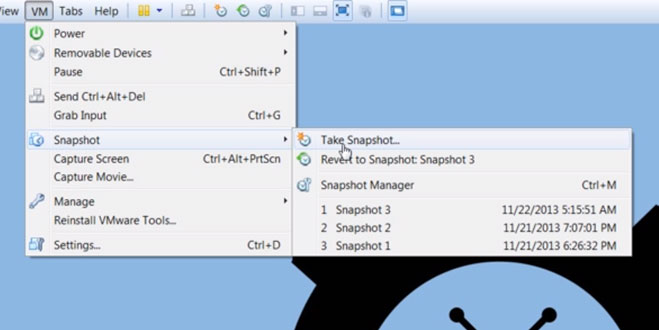
- VMware Workstation Snapshots
- Activating your OS in VMware Workstation
- Cloning Virtual Machines in VMware Workstation
We also have a podcast on this subject here:
 I hope you’ve found today’s Insight’s Inbox about “getting started with VMware” helpful.
If you have any comments, questions, or suggestions, please feel free to share them with us by submitting the “post a comment or question” link below.
Until next time, Peace ✌️
If you enjoyed this content, please give it a Like, and consider Sharing a link to it as that is the best way for us to grow our audience, which in turn allows us to produce more content 🙂
Shawn M Tierney
Technology Enthusiast & Content Creator
Support our work and gain access to hundreds members only articles and videos by becoming a member at The Automation Blog or on YouTube. You’ll also find all of my affordable PLC, HMI, and SCADA courses at TheAutomationSchool.com.

- What New in TIA Portal v21 (P259) - January 28, 2026
- What’s New At Insights (WN2601) - January 26, 2026
- Digital Transformations & Industrial Automation Trends with Dante Vaccaro (P258) - January 21, 2026
Discover more from The Automation Blog
Subscribe to get the latest posts sent to your email.
This is good. Next would be nice to touch on the network setup (Bridge, NAT, Static IP for Host and VM, etc.) to work with RSLinx classic and RSLinx enterprise
Thanks for the feedback Saumil,
Shawn Tierney